
Talk to your AI.
Hear it talk back.
Hands-free.
Full voice mode for Claude Code, Codex, Antigravity, and Pi — running entirely on your Mac.
macOS · Apple Silicon · No cloud APIs · Nothing leaves your machine
Full voice mode for Claude Code, Codex, Antigravity, and Pi — running entirely on your Mac.
macOS · Apple Silicon · No cloud APIs · Nothing leaves your machine
Turn on Translate to English and whatever you say is typed out in English — in your editor, a note, a chat window, anywhere you can type. It is useful well past coding: sit in a meeting in a language you don’t speak and read along. Translation needs a different speech model, because the fast one the app ships with genuinely cannot translate — ask it to and it hands back what you said, unchanged. So ticking the box asks first, then fetches it once. Mixing languages mid‑conversation works: English stays English, everything else arrives in English. Leave it off and dictation is exactly as it was.
Kokoro has no voice for Dutch, German, Polish, Russian or Ukrainian — it read them aloud in an English accent, which came out unintelligible rather than merely accented. A second on-device engine, Supertonic-3, now covers every one of the 24 languages Kokoro can't speak, Greek among them — 102 voices across 32 languages in all, with Kokoro still the default wherever it has a voice. The app routes on the voice you pick, and a Supertonic voice follows the language you write in — each sentence is language-detected on-device and pronounced with that language’s own sounds, so a reply that switches language stays intelligible instead of being read phonetically as the voice’s. Both engines run on the Apple Neural Engine — Supertonic synthesizes at roughly 19× realtime.
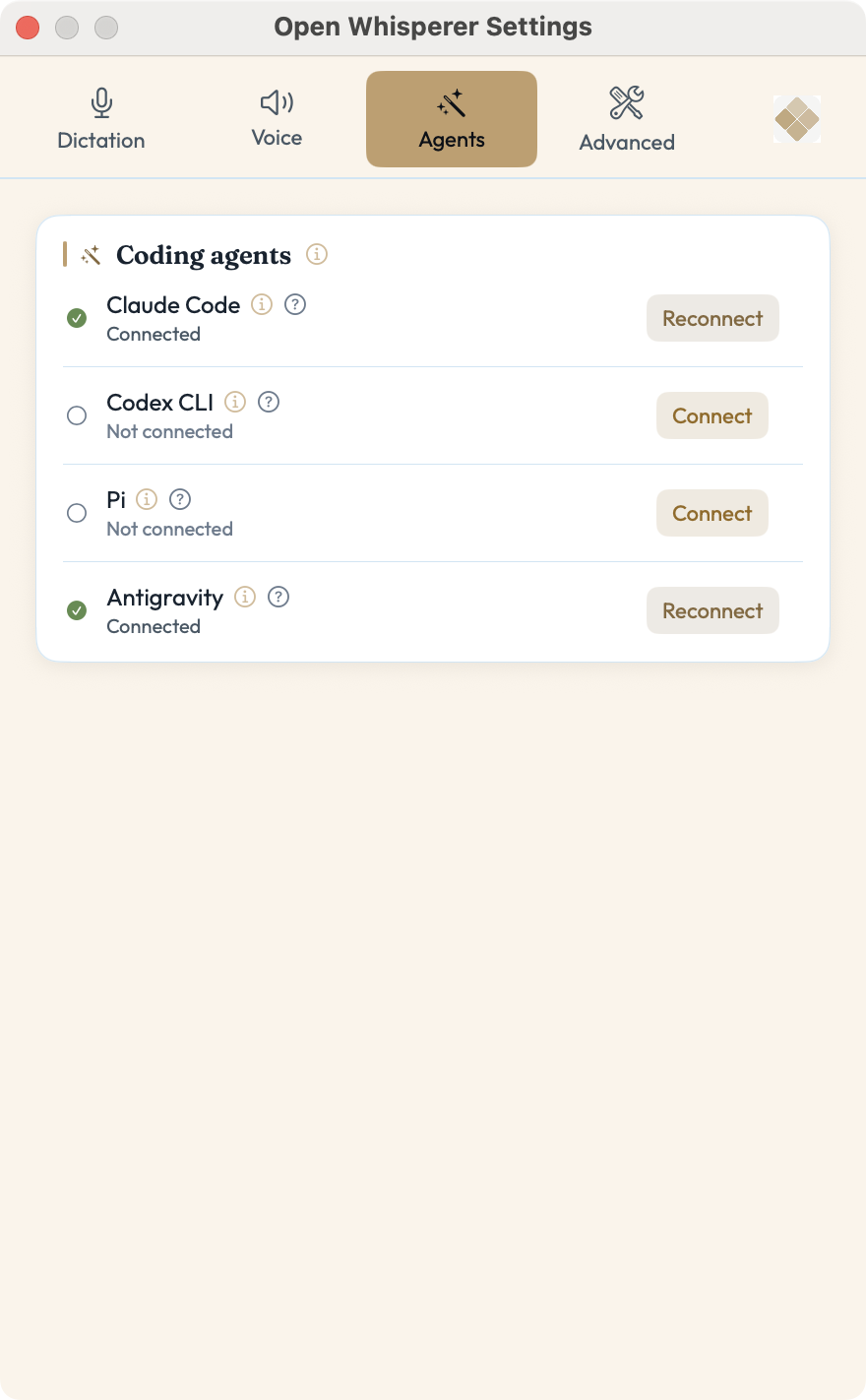
Spoken replies reach beyond Claude Code and Codex to the Antigravity CLI and Pi. The Agents tab lists all four with their own status and Connect button — connect as many as you use, not one at a time. Connect wires up a speak tool, so speech starts mid-turn instead of waiting for the whole reply. Add a voice persona and each accent brings its own character; still 100% local, on the Apple Neural Engine.
Start with a word and your hands never leave the keyboard — or leave it entirely. Three seconds of silence submits; say "hold on" to cut in while it's speaking. Prefer keys? Press-to-Talk and Hold-to-Talk are one shortcut away.
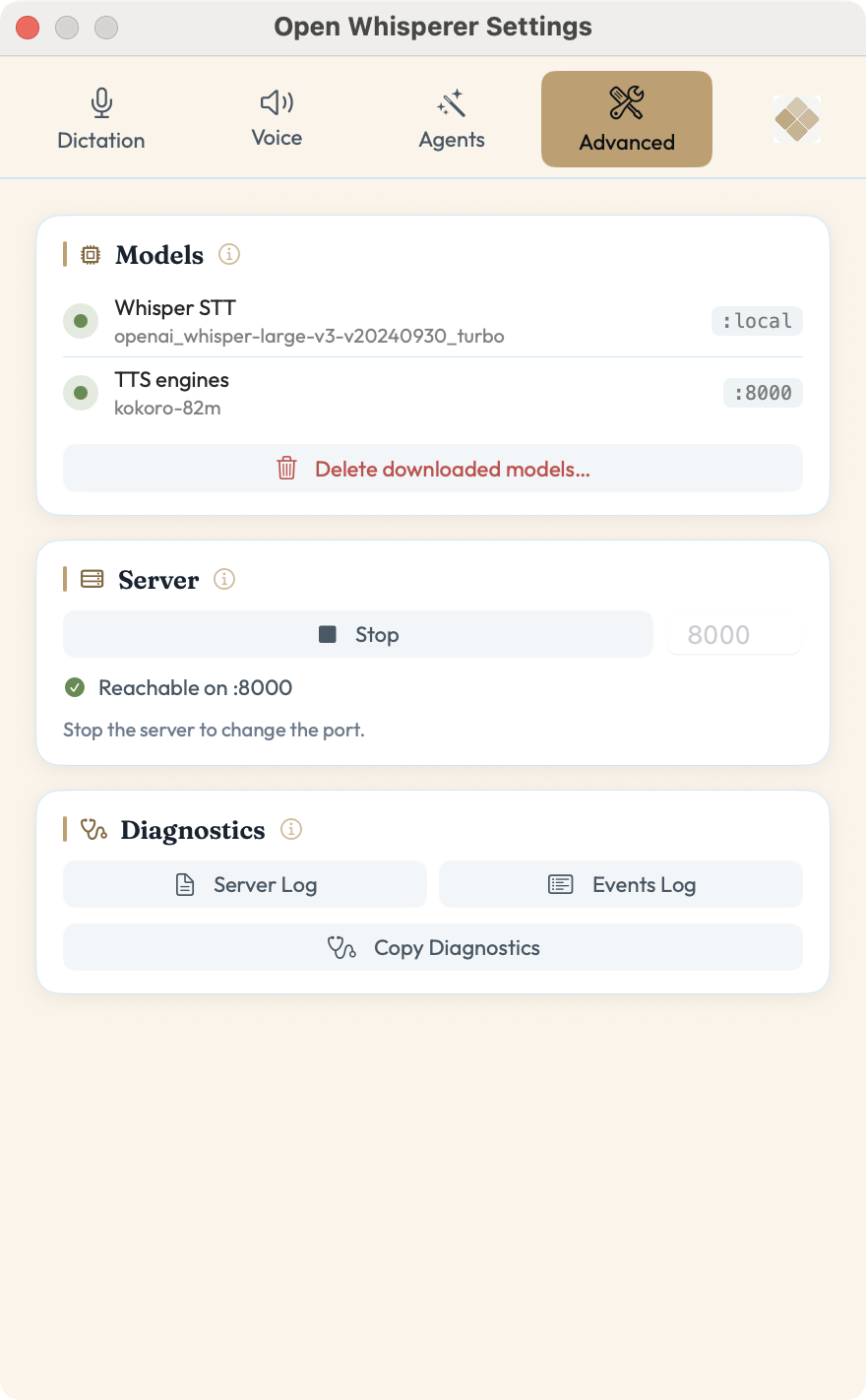
Open Whisperer is a free, open-source, fully local voice mode for macOS — speech-to-text dictation and streaming text-to-speech for Claude Code, Codex, Antigravity, Pi, and any app on Apple Silicon, with nothing sent to the cloud.
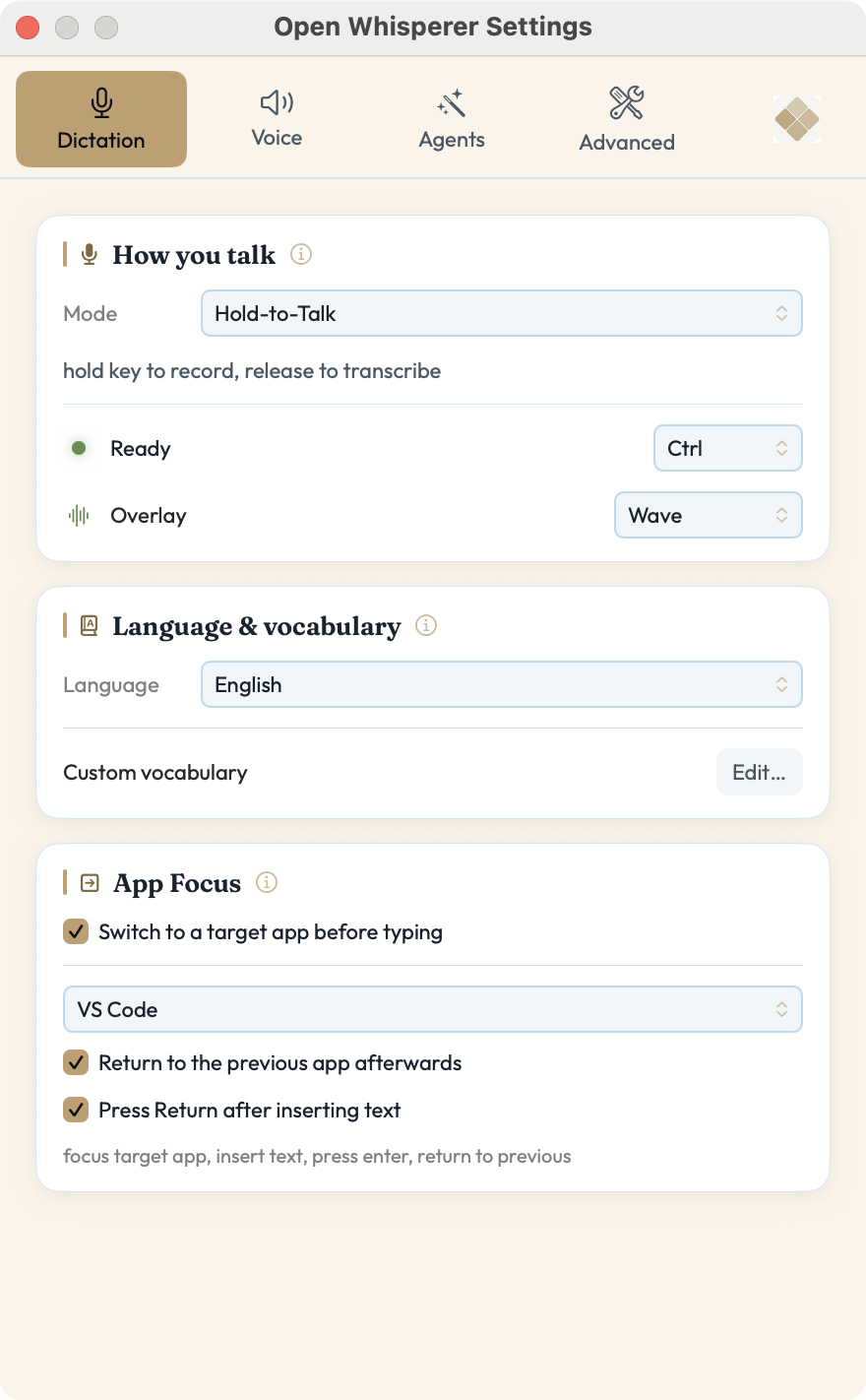
Press-to-Talk, Hold-to-Talk, or fully Hands-Free. Say "initiate" to start, silence auto-submits, "hold on" interrupts.
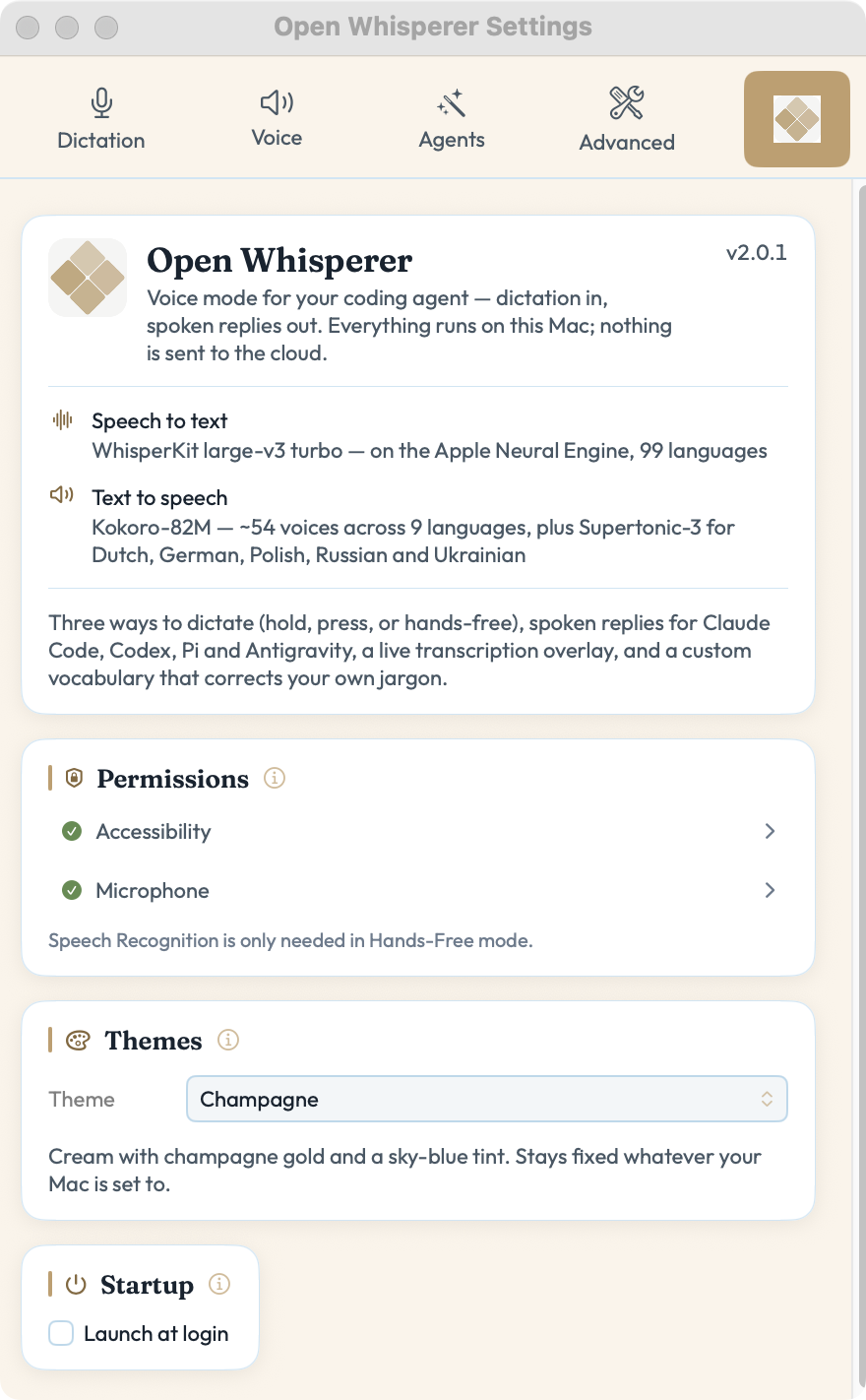
WhisperKit for speech-to-text, Kokoro and Supertonic-3 for text-to-speech — all in-process on the Apple Neural Engine. No cloud APIs, no data leaves your Mac. Ever.
Responses begin speaking after the first sentence instead of the whole reply — with automatic fallback if anything's unavailable.
Open the Agents tab, hit Connect on each agent you use, and a speak tool is wired up. Auto-Focus brings your editor forward, Auto-Submit hits Enter for you. Just talk.
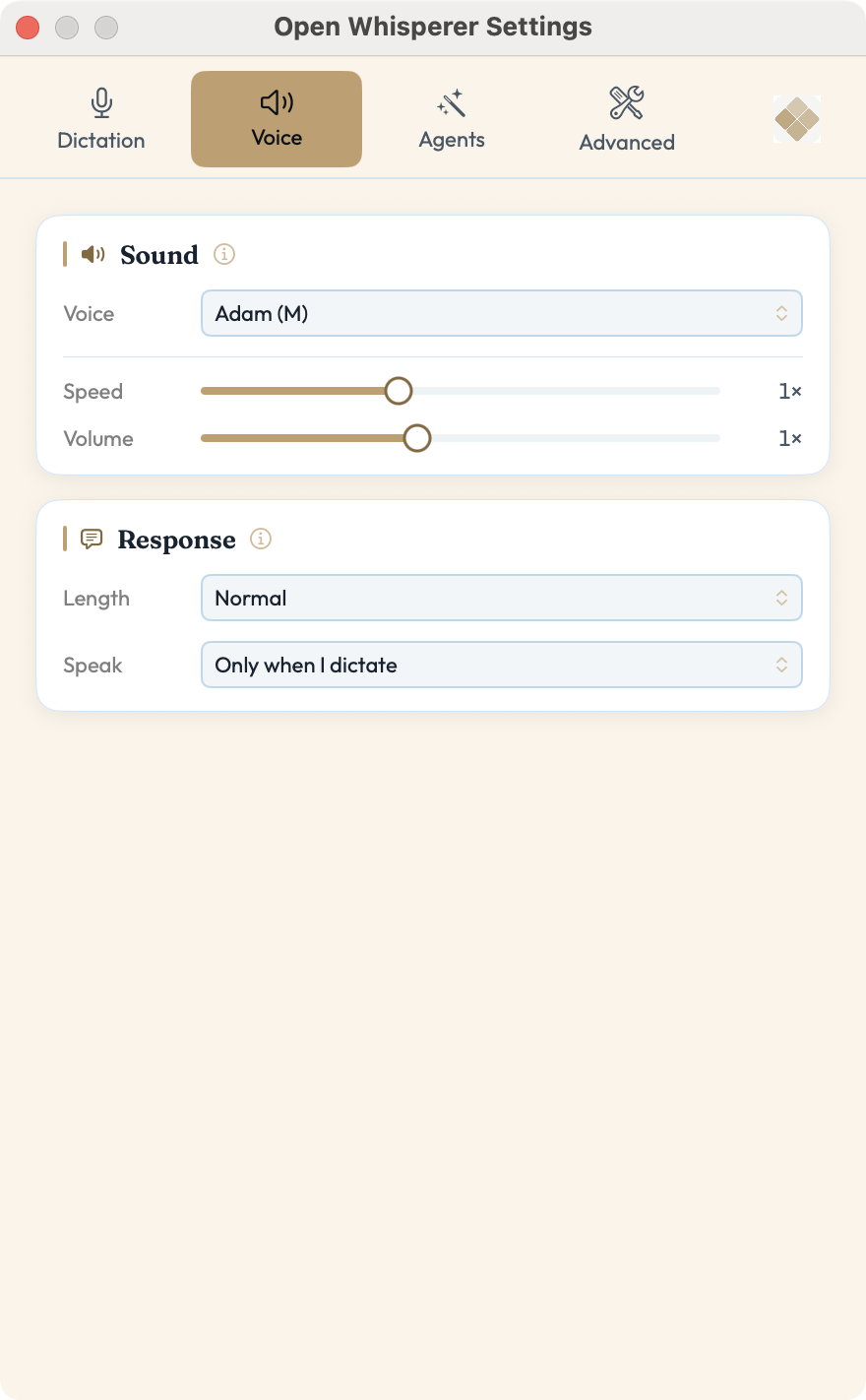
Whisper transcribes your speech across all 100 languages it supports, on-device. Pick from 102 voices across 32 languages — the full 54-voice Kokoro roster, plus every one of the 24 languages Kokoro can't speak — each accent a voice persona that colors the reply's tone.
Speak any language Whisper knows and have it typed out in English — a meeting you can’t follow, a note you want in English. Uses a second speech model, downloaded only if you ask for it, and leaves normal dictation untouched when it’s off.
A floating window with a real-time waveform, recording status, and your recent transcriptions. Always visible, never in the way.
Download the DMG, drag to Applications. Fully native — no Python. On first launch it downloads the Whisper and Kokoro models and runs them on the Apple Neural Engine.
Hold Ctrl and speak. Your words are transcribed locally and typed straight into Claude Code, Codex, Antigravity, or Pi.
Every reply is spoken aloud — now streaming, so it starts talking back on the very first sentence.
Yes. Open Whisperer is free and open source under the MIT license — no subscriptions, no accounts, no API keys.
No. Speech-to-text (WhisperKit) and text-to-speech (Kokoro and Supertonic-3) both run locally on your Mac. There are no cloud APIs and nothing leaves your machine.
Spoken replies work with Claude Code, Codex, Antigravity, and Pi. The Agents tab lists all four with their own Connect button, so you can connect as many as you use — Connect wires up a speak tool (a drop-in extension for Pi) so every response is read aloud. Dictation works with all your apps: your voice types into any macOS app.
An Apple Silicon Mac (M-series) running macOS. It's fully native — no Python. On first launch it downloads the on-device Whisper and Kokoro models and runs them in-process on the Apple Neural Engine.
Three ways: Press-to-Talk, Hold-to-Talk, or fully hands-free — say "initiate" to start, stay silent to submit, and say "hold on" to interrupt.
Latest is 2.0.7 — dictation can now translate into English as you speak. Turn it on and whatever language you talk in arrives as English text, in any app you can type into. It needs a different speech model, so the app asks before downloading it; leave it off and nothing changes.
Since we don't pay Apple $99/year for signing, you need to allow the app to run after installing:
xattr -cr /Applications/OpenWhisperer.appOr clear quarantine on the DMG before opening it:
xattr -d com.apple.quarantine ~/Downloads/OpenWhisperer-2.0.7.dmg